Dave Allan Music
The Ultimate Beginners Guide to the Reason DAW
Do you need to learn the Reason DAW?
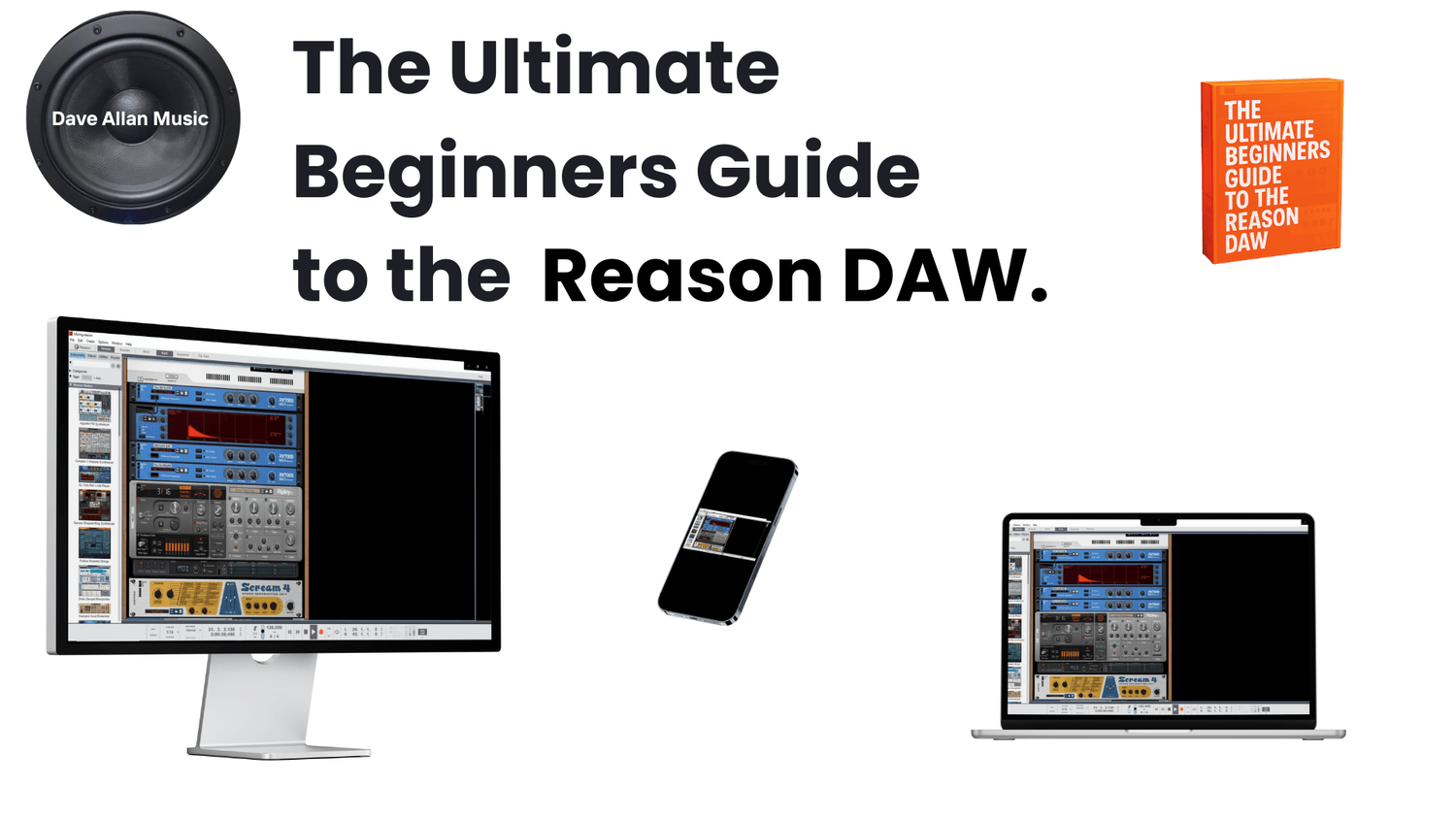
Are you stuck trying to learn your Reason DAW?
This course can help you to learn it quickly and easily.
Go from noob to pro in the shortest time possible.
Start creating beats and producing with the Reason DAW like a pro.
Who Is This Course For?
This beginner friendly course is for those starting out in the world of Reason and digital audio workstations.
No prior knowledge of music production is needed but some familiarity with audio and midi would be good.
IN DEPTH LESSONS
Follow along to learn about the Reason interface and how to use the DAW to build a complete track.
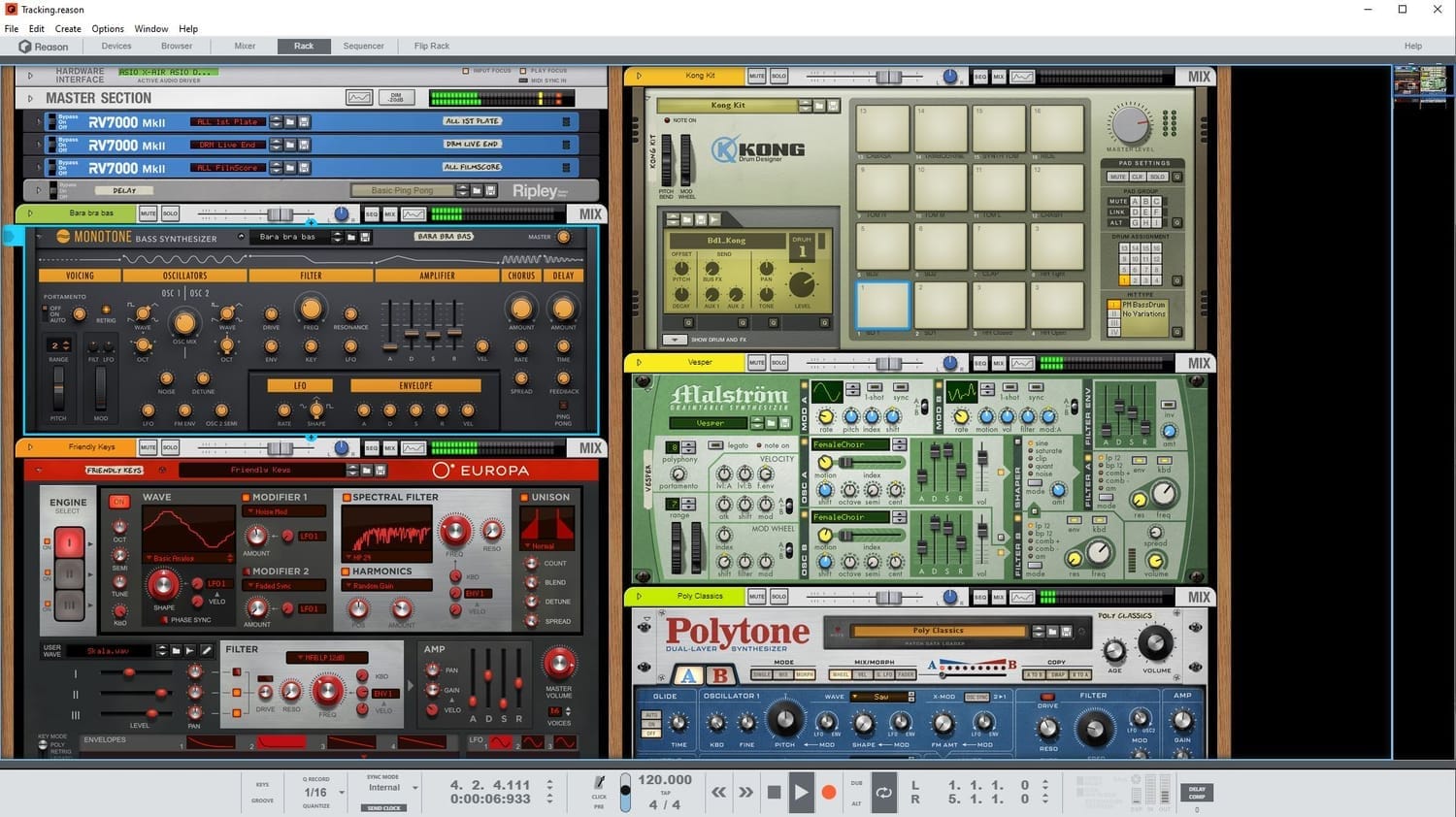
The Reason Rack
Learn all about the reason rack. How to add devices, players and effects to make your music come to life!
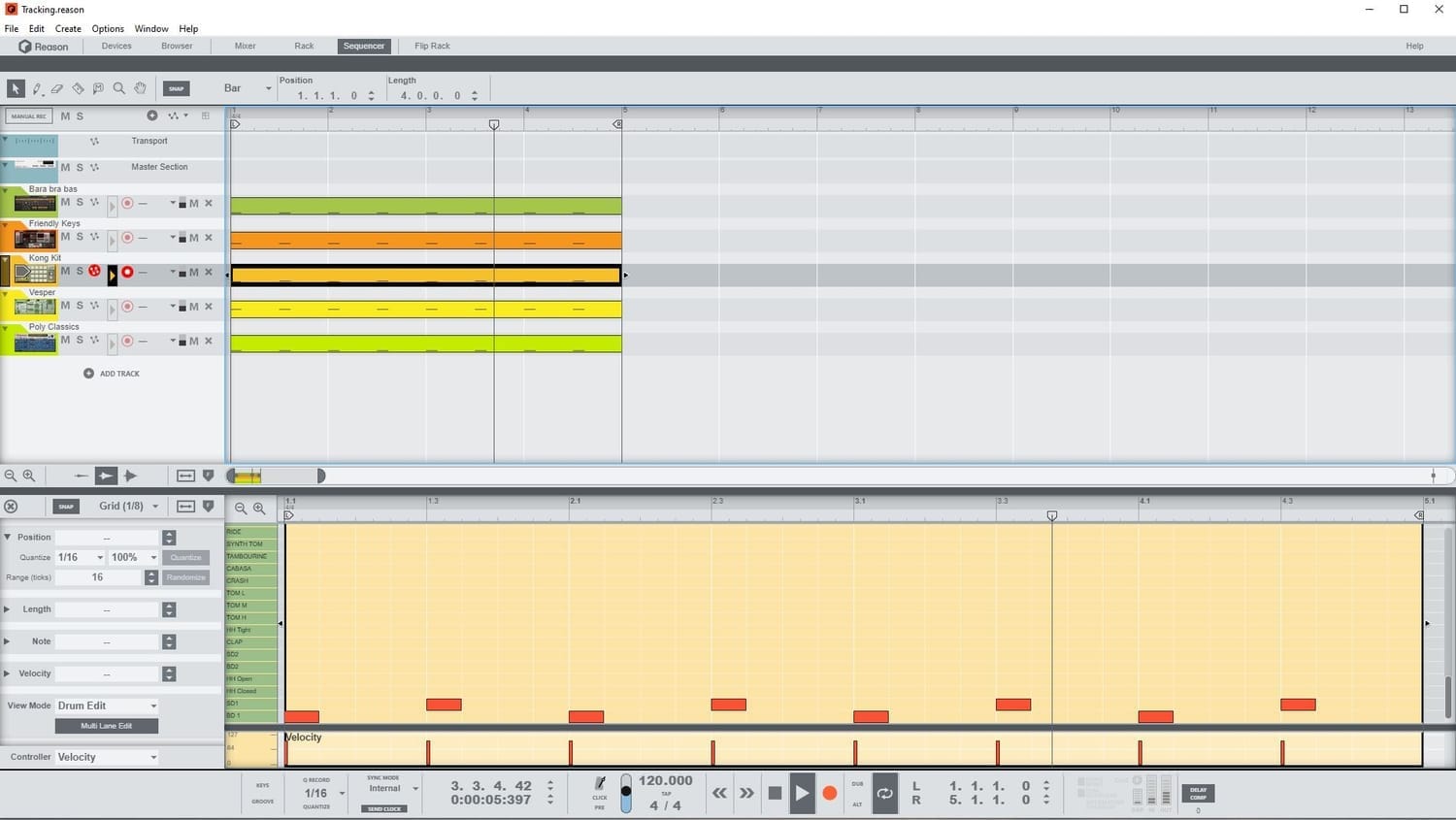
The Reason Sequencer
Learn about the reason sequencer and how to use all of the tools to record and edit midi and audio.
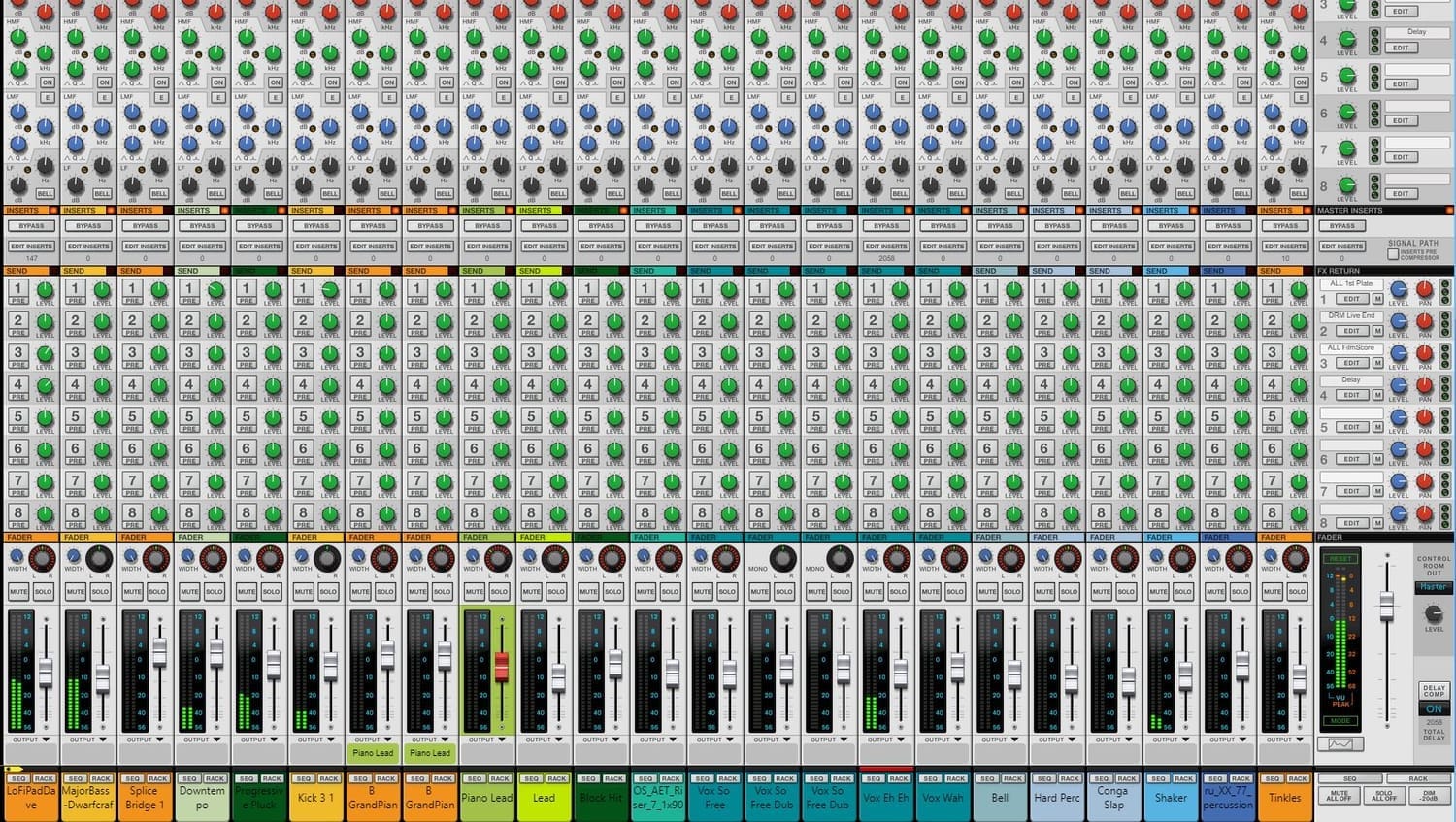
The Reason Mixer
Learn how the reason mixer can be used to mix and master your project. From gain staging to parallel compression and automation.
What You'll Learn
Here is a complete listing of the course modules and lessons:
Module 1 - Introduction to the User Interface
1-The Rack view and Hardware Interface
2-The Master Section and Effects Inputs
3-Adding Devices in the Rack
4-The Mix Channel and adding effects
5-Audio Channels in the rack
6-The Sequencer view
7-More Sequencer view
8-Sequencer view tools
9-More sequencer view tools
10-Editing in the sequencer view
11-Audio editing in the sequencer view
12-More audio editing
13-The Mixer View Pt1
14-The Mixer View Pt2
15-The Transport Controls
16-More Transport Controls
17-The Original Preferences
18-Updated Preferences as of V13.3.3
19-Block Mode Pt1
20-Block Mode Pt2
21-The Browser View
Module 2 - Adding and Using Devices in the Rack
1-Drums Pt1
2-Drums Pt2
3-Drums Pt3
4-Drums Pt4
5-Recording Drums Pt1
6-Recording Drums Pt2
7-The Monotone Bass Synthesizer
8-Recording Bass Sounds
9-Recording Harmony using Polytone
10-Recording a simple melody using Polytone
Module 3 - Song Creation Project
1-Recording Piano Pt1
2-Recording Piano Pt2
3-Recording the Bass
4-Recording the second Bass
5-Recording the Drum Track
6-Arranging the Bass
7-A Second Piano Part
8-Adding a melody
9-Arrangement the Intro
10-A Piano Intro
11-Arranging the song
12-Adding New sounds
13-Adding a sound effect
14-Resampling the shaker
15-Arrangement of the Outro
16-The Melody top line
17-Splitting drums and bouncing to audio
18-Renaming and creating stems
Module 4 - An Introduction to Mixing in Reason
1-The Mixing Session
2-Adding a master Limiter
3-Ordering tracks
4-Creating buses and coloring
5-Gain staging in the mixer
6-Using the EQ Pt1
7- Using the EQ Pt2
8- Using the EQ Pt3
9- Using the EQ Pt4
10- Using the EQ Pt5
11-Dynamics
12-Dynamics and Filters
13-Dynamics and Sidechaining
14-Gates
15-Insert Effects
16-Adding Effects to our track
17-Mastering Effects and the Main Compressor
18-The Master Section Analyzer and Panning
19-Parallel Compression and Effects
1-Mixer Automation
2-Device Automation
3-Automation Using the Combinator
Here's a Little Sneak Peek of the Course
Check out this lesson on adding devices to the reason rack.
Bonus Section and Resources
Learn about automation in reason including a lesson on using the combinator.
Download the course project files and the useful hot keys pdf.
Dave Allan Music | Pink Fish Ventures Inc